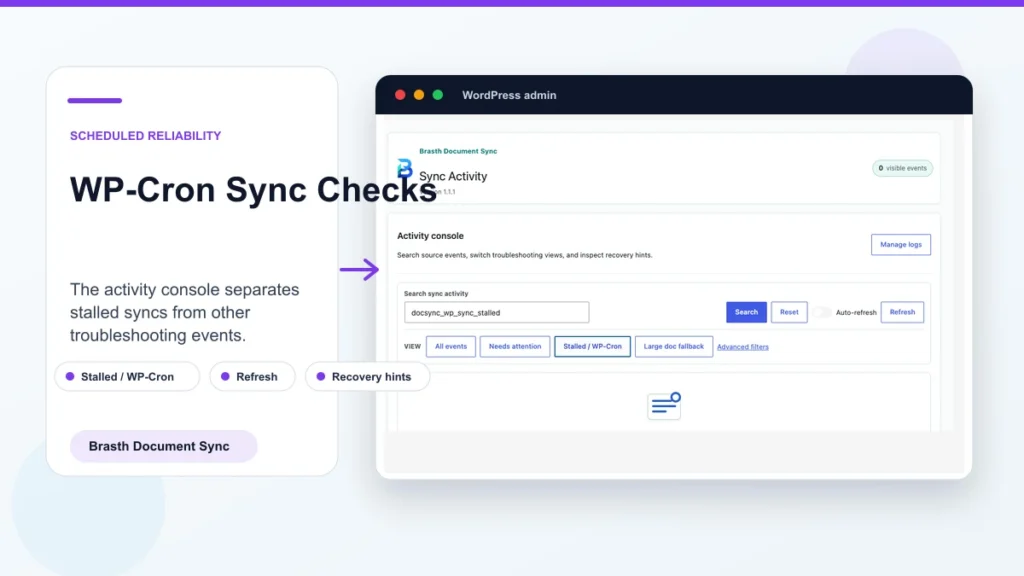
WordPress WP-Cron Sync for Google Docs Publishing
Brasth
Understand WordPress WP-Cron sync for Google Docs publishing, why low-traffic sites miss schedules, and when to add real server cron for reliability now.
Open latest guideWordPress Publishing Resources
Practical notes for teams drafting in Google Docs, preparing clean Gutenberg content, importing media, and checking sync work inside WordPress admin.
Search by setup, Gutenberg blocks, media imports, or sync workflow.
Latest guide
Brasth
Understand WordPress WP-Cron sync for Google Docs publishing, why low-traffic sites miss schedules, and when to add real server cron for reliability now.
Open latest guide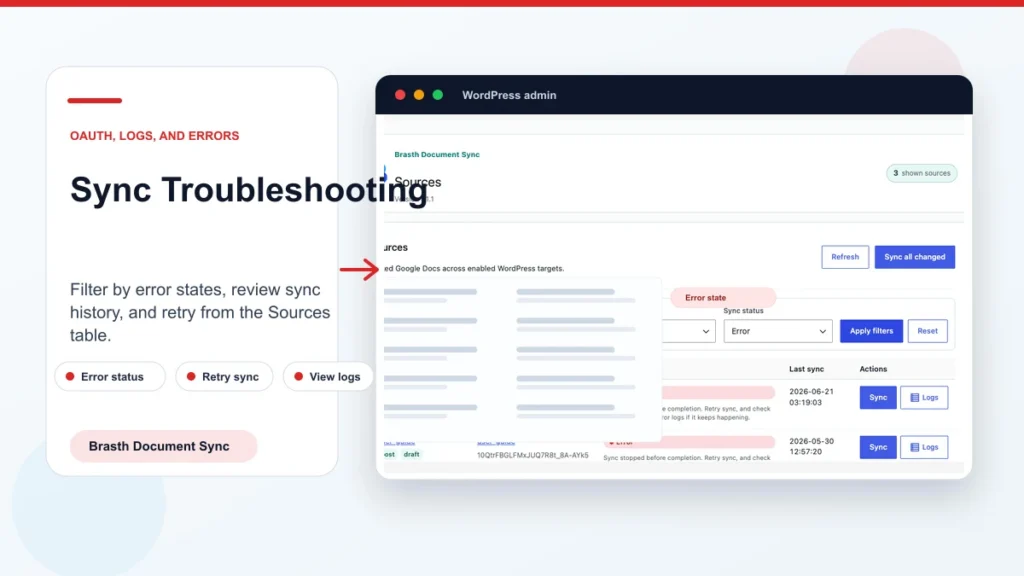
Brasth
Fix Google Docs to WordPress sync not working by checking OAuth, source access, WP-Cron, logs, and large-doc fallback. Try Brasth today with confidence.
Read guide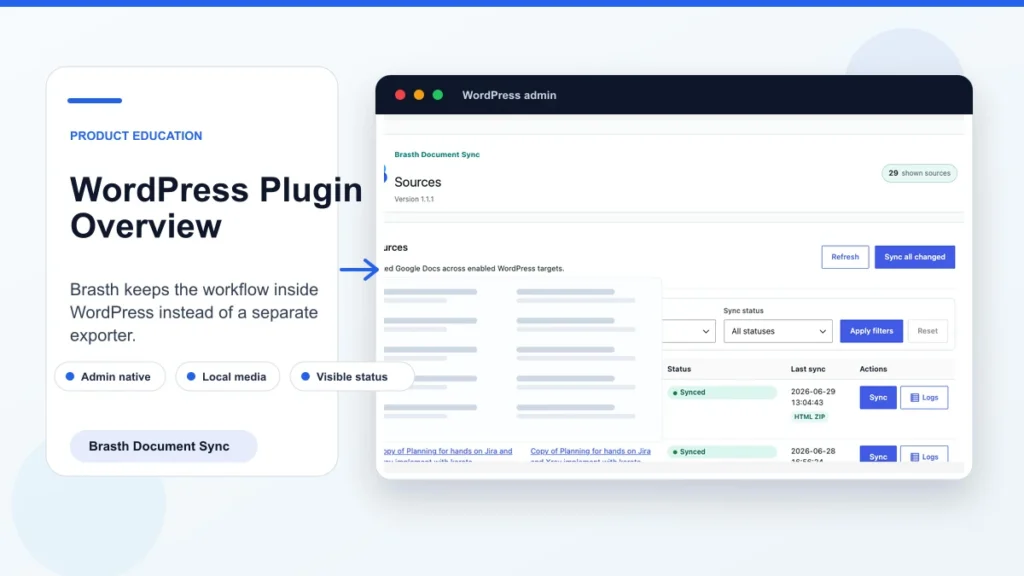
Brasth
Learn what a Google Docs to WordPress plugin does, who needs it, and how Brasth turns drafts into blocks. Install Brasth from WordPress.org starting now.
Read guide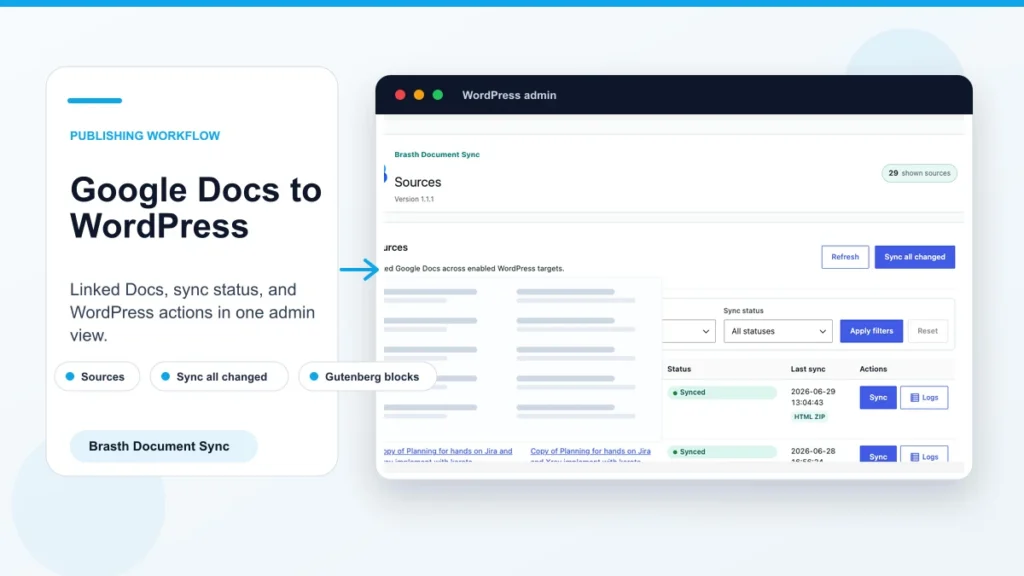
Brasth
Publish Google Docs to WordPress as clean Gutenberg blocks, with local media and sync status. Follow this workflow and install Brasth today with ease.
Read guide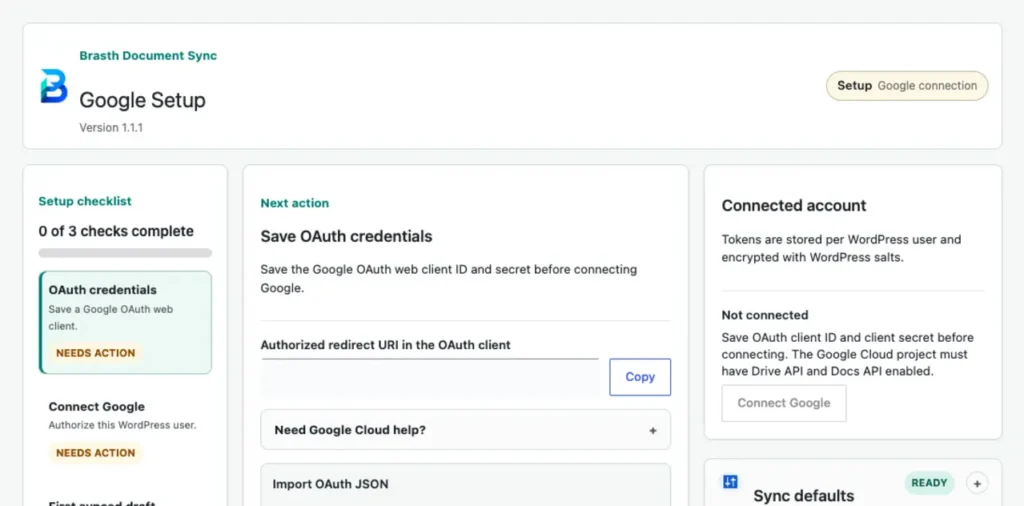
Brasth
Set up Google OAuth, Drive API, Docs API, and the Brasth redirect URI so WordPress can sync Google Docs safely.
Read guide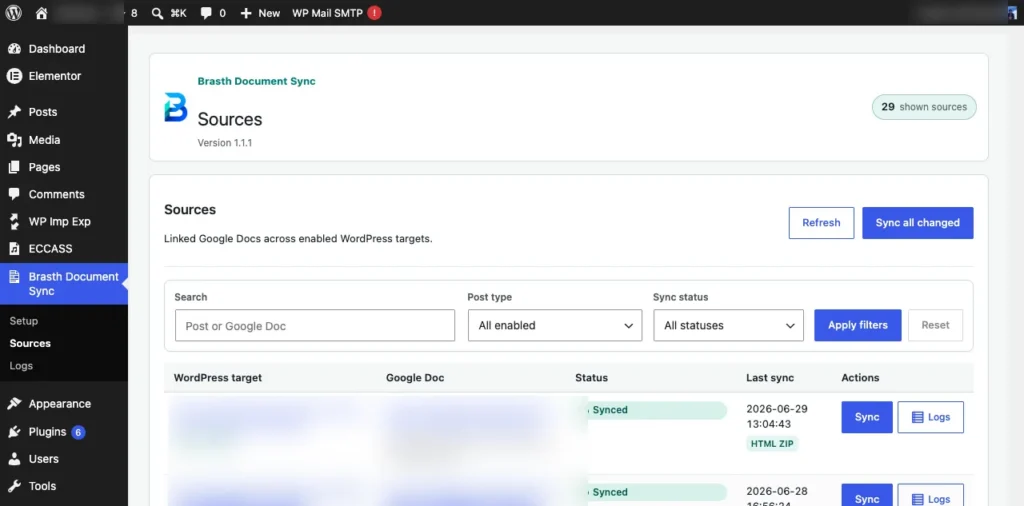
Learn how to link Google Docs to WordPress posts, create synced drafts, monitor source status, and inspect sync activity inside WordPress admin.
Read guide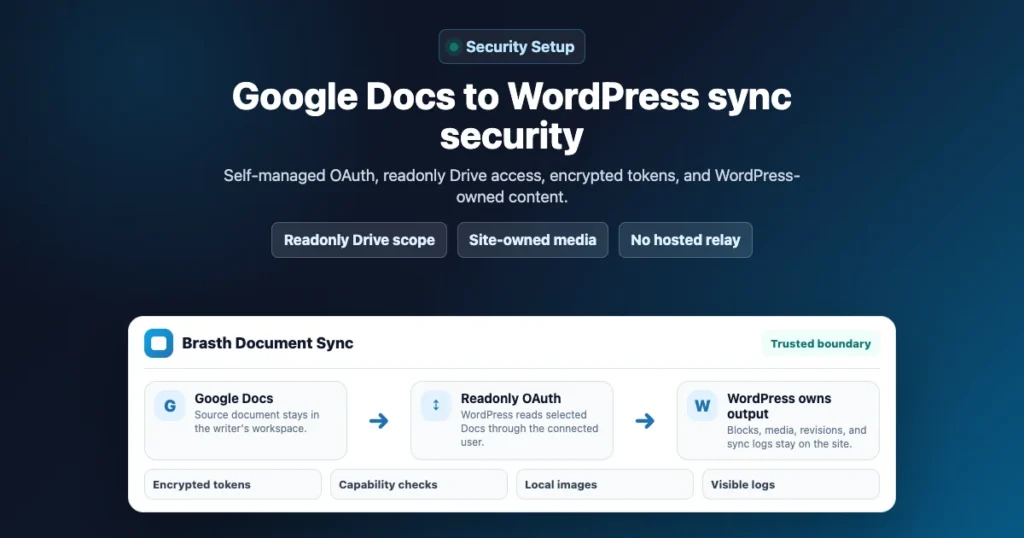
Brasth
Learn how Brasth Document Sync handles Google OAuth, readonly Drive access, encrypted tokens, local media, and WordPress-owned synced content.
Read guide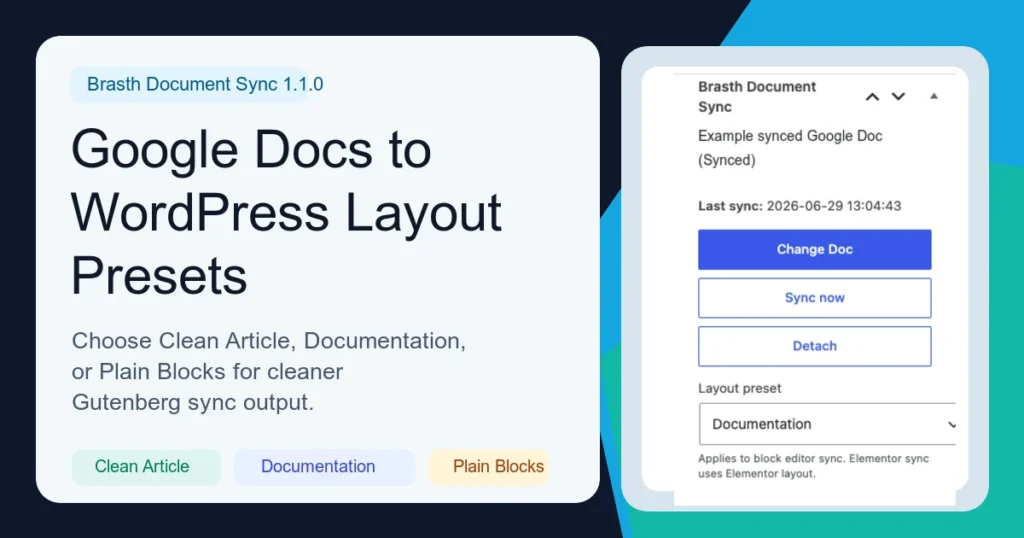
Brasth
Learn when to use Clean Article, Documentation, or Plain Blocks when syncing Google Docs into WordPress with Brasth Document Sync.
Read guide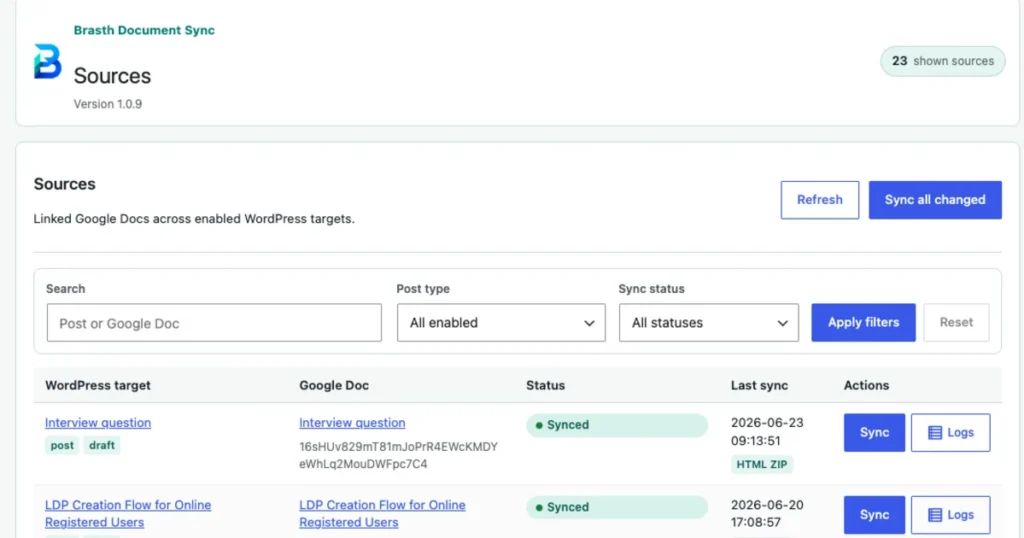
Brasth
A practical checklist for importing Google Docs images into WordPress while keeping media local, organized, and ready for review.
Read guide